Website Security Checks for Small Business Websites

Get a plain-English website security check that looks at SSL certificates, mixed content, DNS records, and malware or scam warnings, so you can spot trust issues before they affect customers.
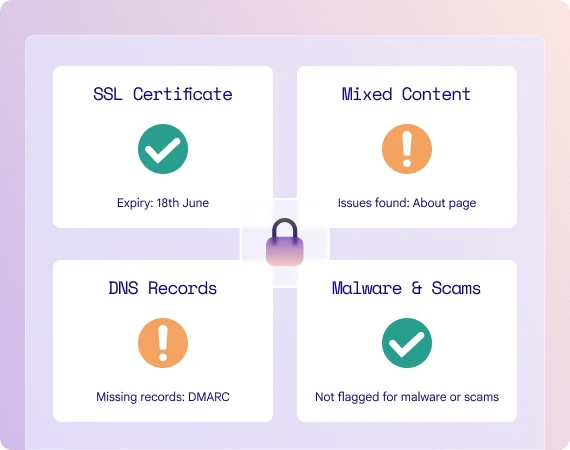
A lock icon with the four stages of the security testing

Protecting your site

What website security means for your business

Website security is about whether your site looks safe, loads securely, and gives visitors confidence. Even small problems, such as an expiring certificate or missing DNS protection, can undermine trust before you realise anything is wrong.

A lock icon with the four stages of the security testing

Protecting your site

What website security means for your business

Website security is about whether your site looks safe, loads securely, and gives visitors confidence. Even small problems, such as an expiring certificate or missing DNS protection, can undermine trust before you realise anything is wrong.

Why it matters

Why website security matters

Your website security could be putting your visitors and your business at risk.

Build trust quickly

Visitors are more likely to stay and enquire when your website feels safe and secure.

A line chart going up

Reduce avoidable risk

Regular checks help you catch warning signs before they turn into bigger problems.
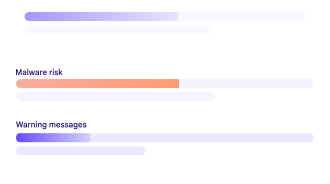
A percentage chart of malware and warning messages

Protect reputations

A site that shows warnings or looks suspicious can harm confidence in your business.
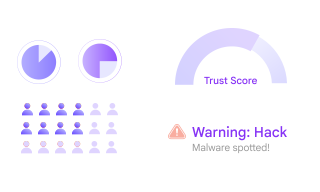
A collection of reputational data

What you get

What we check and what you’ll see in your report

Every month you receive a clear website health report. The security report covers four key areas.

A lock icon

SSL Certificate

We check whether your SSL certificate is valid and whether expiry is getting close.

A warning icon

Mixed Content

We flag pages that load insecure content, even if the site itself uses HTTPS.

Getting Started

Get your first Website Health Report in three simple steps

Your clear, plain-English report will help you understand all of your website’s strengths and areas of improvement.
The front cover of a SiteScanly report

01

Sign up for a monthly report

02

Submit your website address

03

Receive your first report

The front cover of a SiteScanly report

01

Sign up for a monthly report

02

Submit your website address

03

Receive your first report

FAQs

Quick answers to the most common questions about our monthly website health reports

What is a website security check?

Does this replace a full cyber security audit?

Why do DNS records matter?

What happens if you find an issue?

Stay on top of website security without the jargon

Stay on top of website security without the jargon

See the issues that affect trust, understand what they mean, and know what to fix first.

See the issues that affect trust, understand what they mean, and know what to fix first.