Broken Link Checks for Small Business Websites

Find broken links on your website before they frustrate visitors. SiteScanly checks page status, broken links, broken images, and redirects, then shows you what needs attention in plain English.
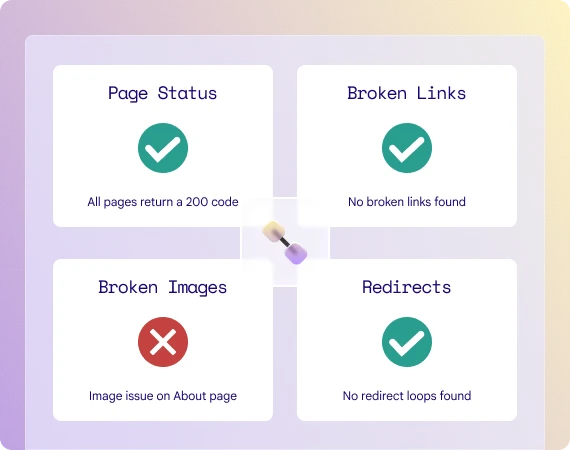
A link icon with the four stages of the link testing

Connecting your site

What broken link checks means for your business

Link health is about whether visitors can move through your website without hitting dead ends, error pages, broken images, or confusing redirects. These issues are easy to miss, but they quickly make a site feel neglected.

A link icon with the four stages of the link testing

Connecting your site

What broken link checks means for your business

Link health is about whether visitors can move through your website without hitting dead ends, error pages, broken images, or confusing redirects. These issues are easy to miss, but they quickly make a site feel neglected.

Why it matters

Why website links matter

Visitors might be getting lost or giving up on your website purely due to your links.

Avoid dead ends

Broken links stop people from reaching the content, page, or action they expected.
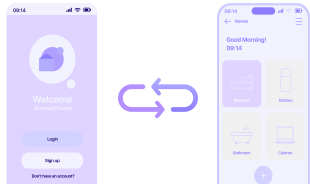
Two pages with a link icon between

Protect confidence

A site with missing images or error pages feels less reliable and less cared for.
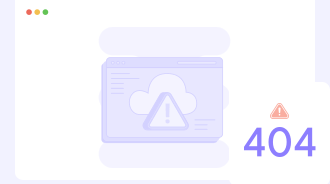
A warning page with 404 text on it

Keep journeys smooth

Redirect problems and broken paths create friction in key places on the site.
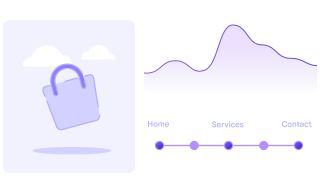
A collection of website journey data

What you get

What we check and what you’ll see in your report

Every month you receive a clear website health report. The links report covers four key areas.

A lock icon

Page Status

We check whether your main pages load correctly and return the right status code.
A warning icon

Broken Links

We look for links that point to missing, failed, or inaccessible destinations and analyse what went wrong.

A records icon

Broken Images

We flag images and media files that are not loading properly or not loading at all.

A bug icon

Redirects

We review redirects for loops, wrong destinations, or unnecessary friction.

Titles, headings, meta and sitemap basics for Google.

Getting Started

Get your first Website Health Report in three simple steps

Your clear, plain-English report will help you understand all of your website’s strengths and areas of improvement.
The front cover of a SiteScanly report

01

Sign up for a monthly report

02

Submit your website address

03

Receive your first report

The front cover of a SiteScanly report

01

Sign up for a monthly report

02

Submit your website address

03

Receive your first report

FAQs

Quick answers to the most common questions about our monthly website health reports

What is a broken link check?

Do broken external links matter?

What is a redirect issue?

How often should links be checked?

Catch broken links before your visitors do!

Catch broken links before your visitors do!

Stay on top of page errors, missing images, and redirect problems with a report that shows what to fix first.

Stay on top of page errors, missing images, and redirect problems with a report that shows what to fix first.